Getting started
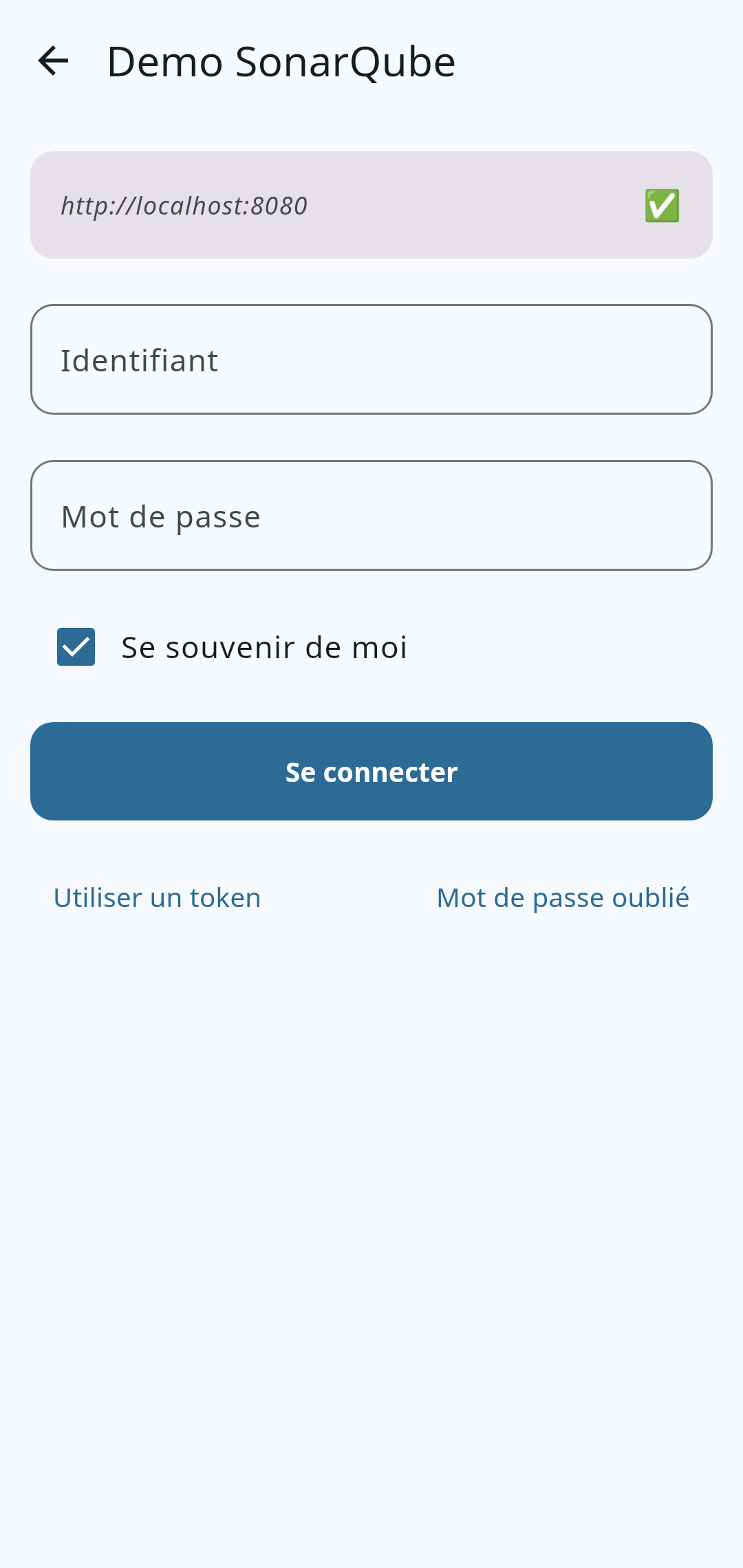
sonar.mon-entreprise.com), the port, SSL/TLS and an optional path. The field automatically detects a pasted URL and extracts the host, port and protocol.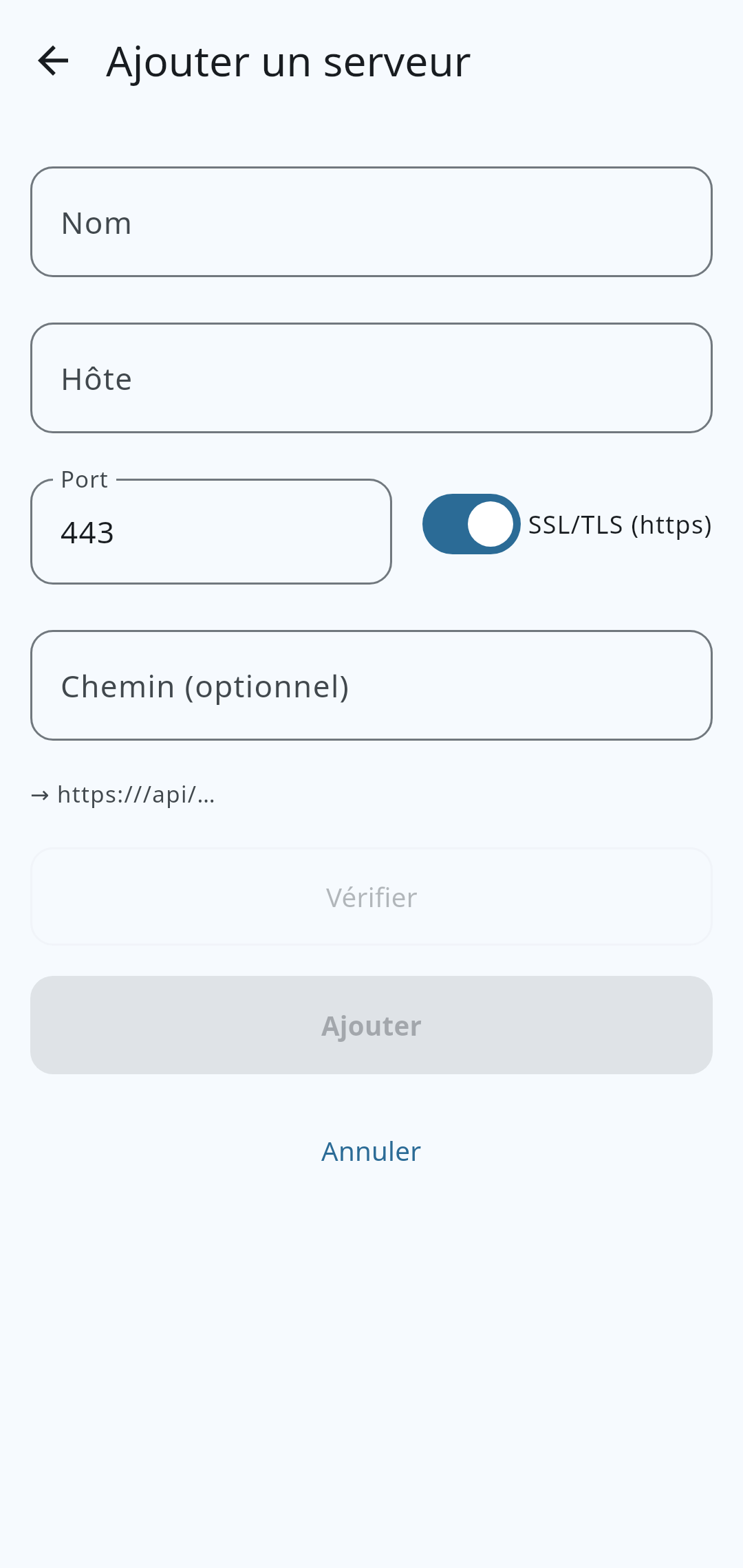
Read a project
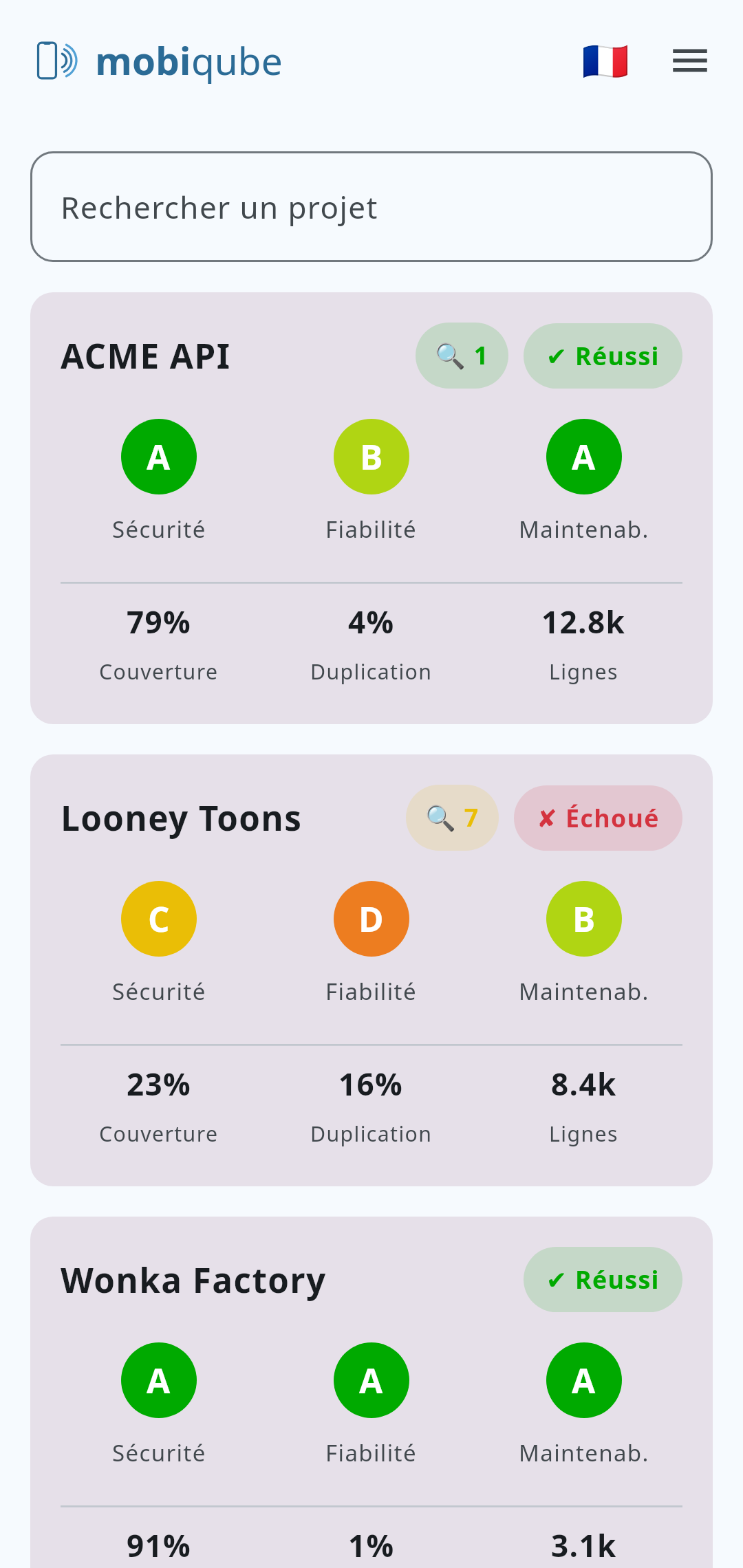
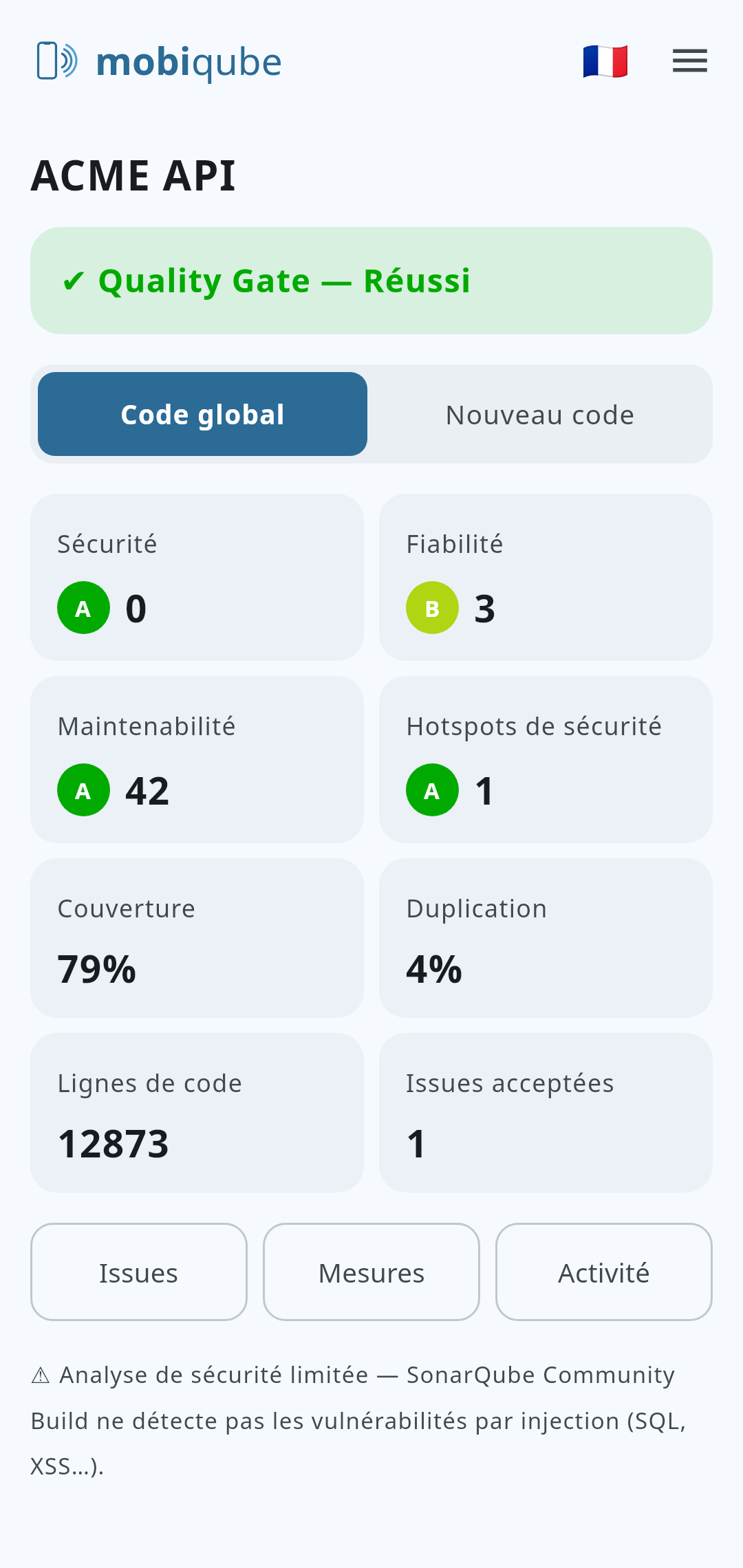
Each project shows its Quality Gate (Passed / Failed and the failed conditions), then the quality ratings:
Reliability, Security and Maintainability, viewable in New Code as well as Overall (entire code base).
Explore issues
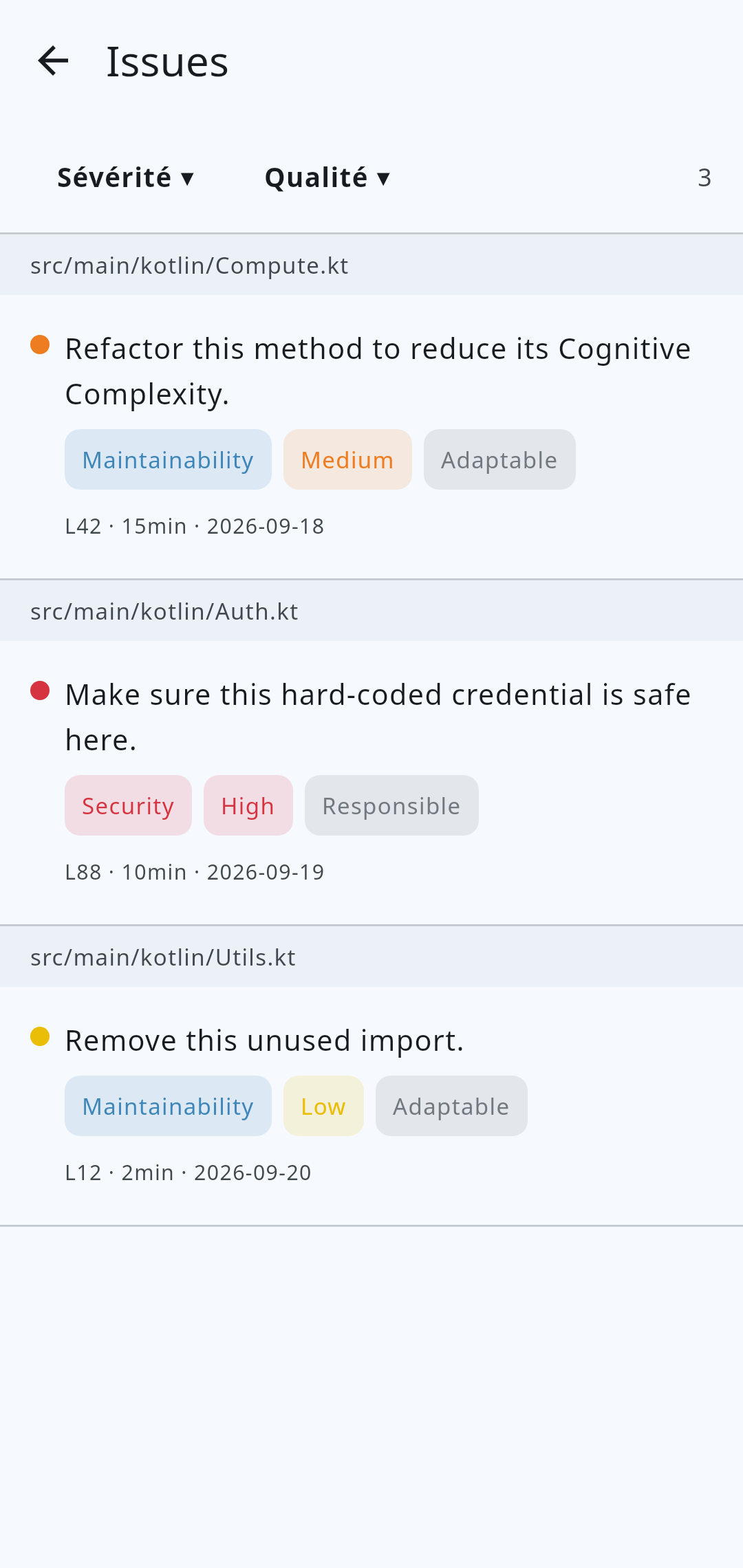
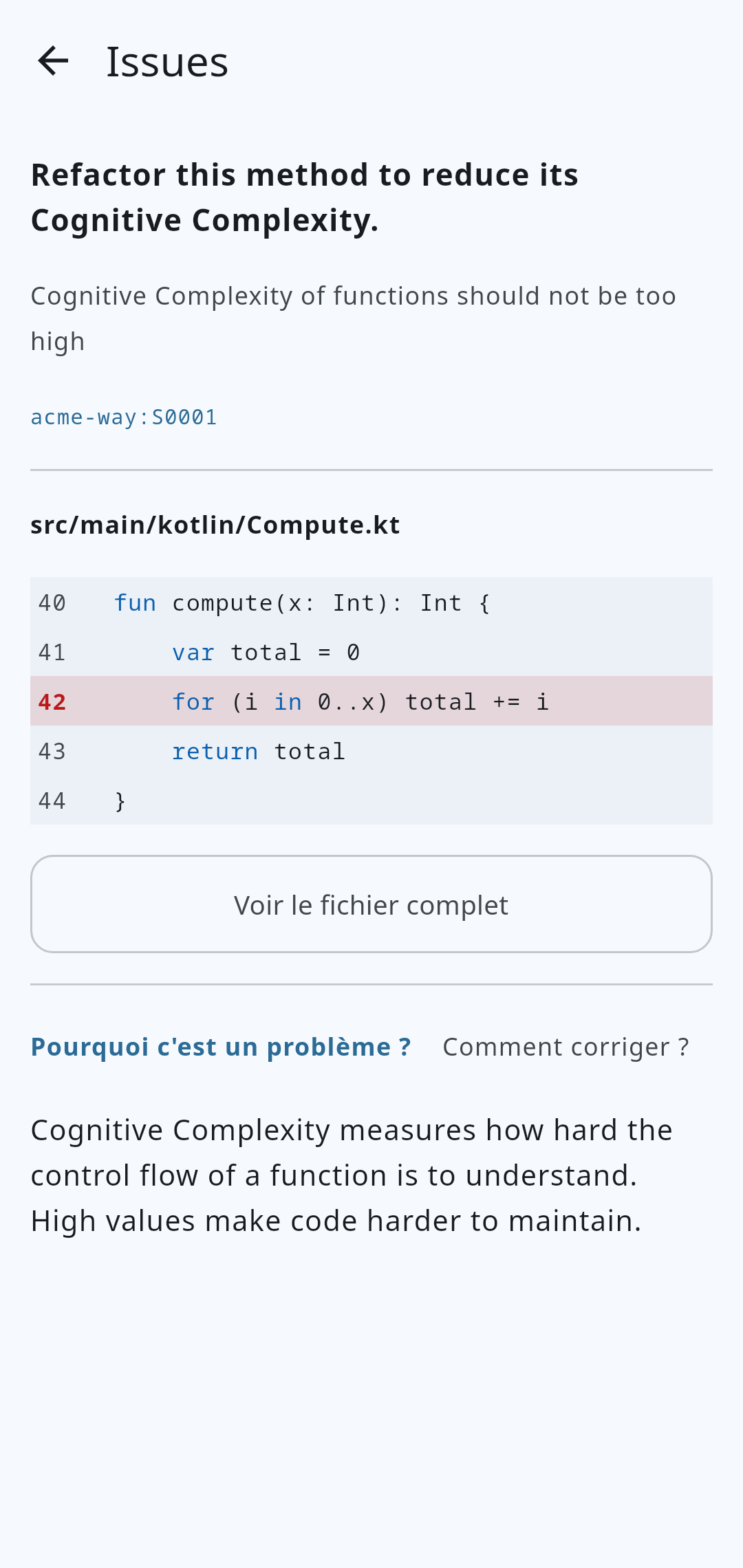
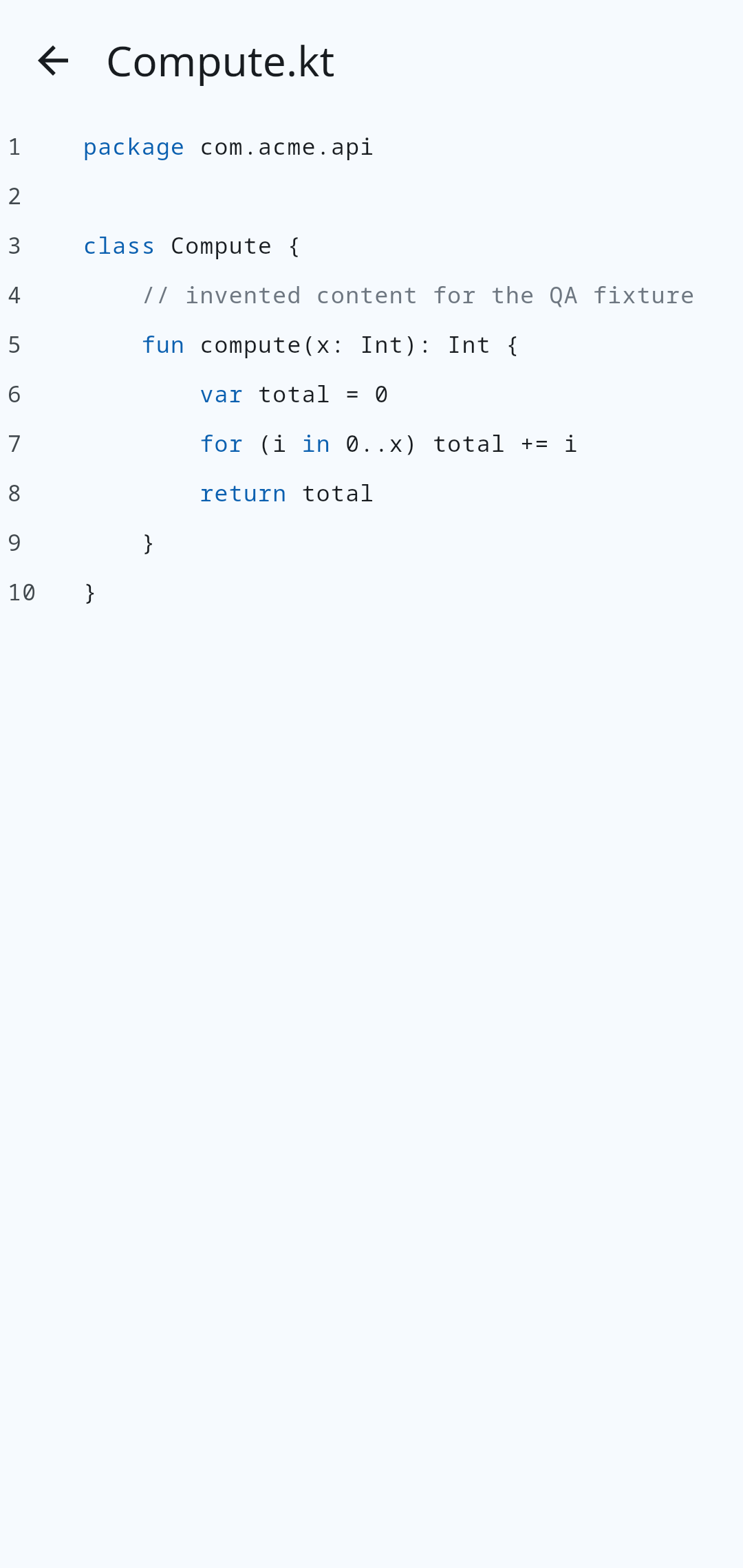
Filter issues by severity and by software quality, grouped by file. The issue detail shows why it is a problem, how to fix it (with compliant / non-compliant examples), the highlighted offending line and lets you open the full file.
Measures & history
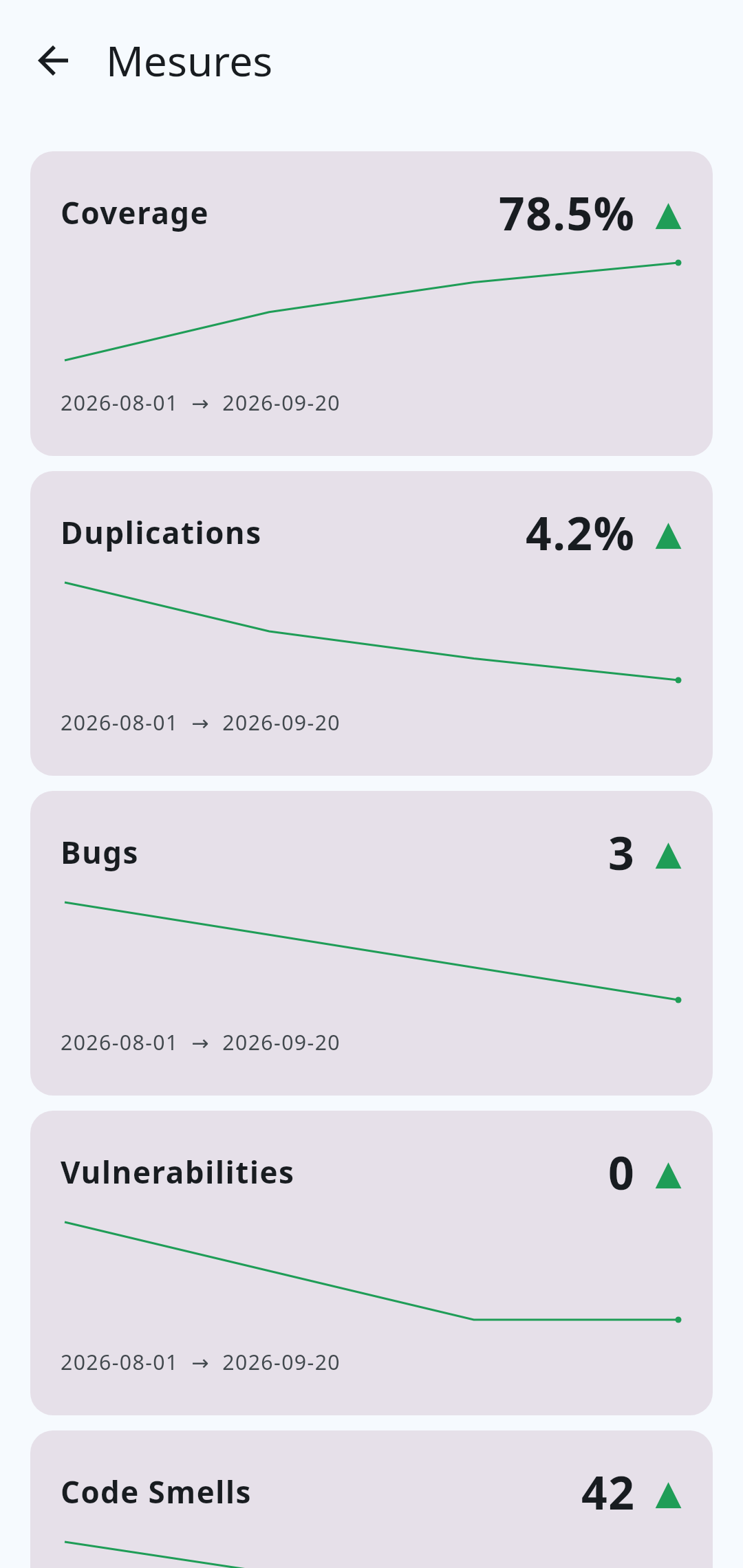
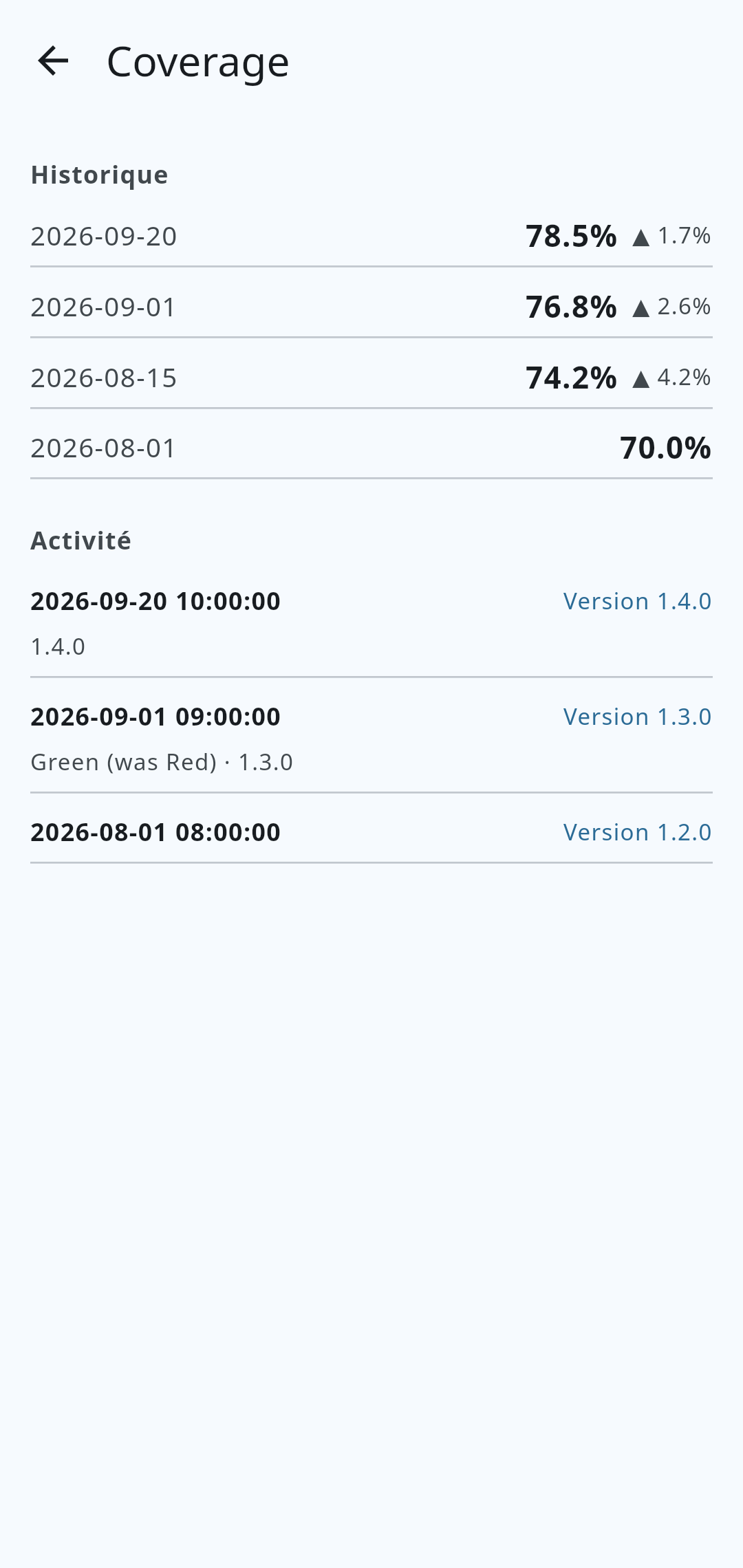
Track key metrics (coverage, bugs, vulnerabilities, duplications, lines of code…) with their trend and their evolution charts over time.
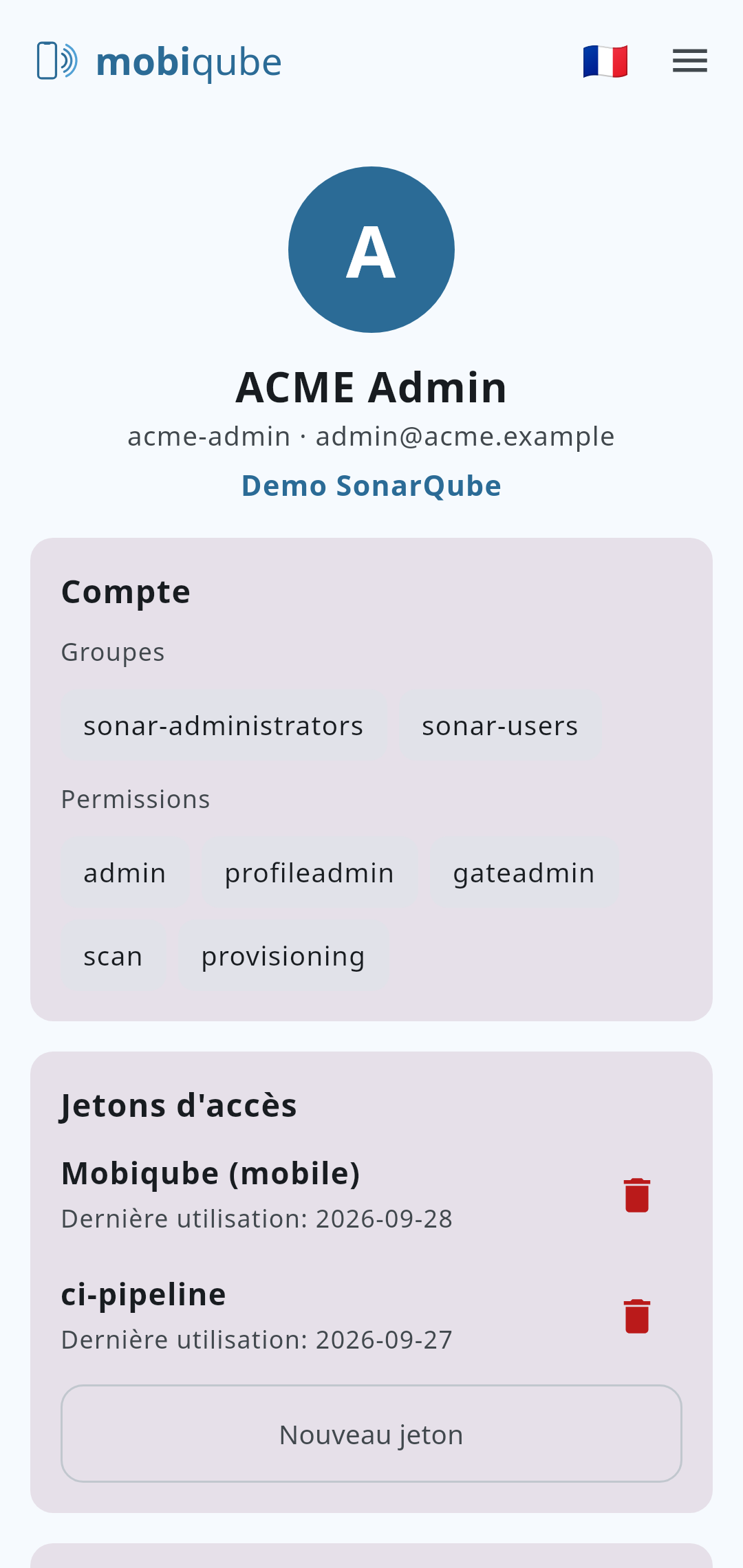
Account & security
FAQ
Yes: Mobiqube connects to your existing SonarQube instances, through their REST API.
Which versions are supported?Recent SonarQube Community Build (REST API v1).
Are my credentials sent anywhere?No. They stay encrypted on your device.
Is an iOS version planned?Yes, soon.